
Free Valheim server, in 60 seconds.
Vanilla, or BepInEx ready for your plugins. No card, and the IP ready for your Viking group to join whenever it likes.
- New versions on release day
- No card
- Low-ping regions

ValheimAvailable
Nodes ready · start the first oneaverage start 121 s
Valheim dedicated server: your Viking world online for the whole group
Valheim lets one player host from their own PC, but then the world only exists while that player is online and the others feel every frame the host drops. A Valheim dedicated server takes that role: the world runs on its own, every Viking connects to the same place, and the session no longer ends when the host goes to bed. The game takes up to ten players in one world, and the dedicated server is how most long runs are played.
We run the official dedicated server from Steam, kept on the latest build, with two templates: Vanilla, and BepInEx for mods. The world name, the password, the listing in the community browser, crossplay with every other platform and the world preset are settings in the panel, not launch flags you have to remember.
How to set up a Valheim dedicated server
- Create your account, press «Create server» and choose Valheim with the Vanilla or the BepInEx template.
- Give the world a name. It is also the name of the save, so keep it if you plan to upload an existing world later.
- Set a password of at least five characters that is not part of the server name; Valheim refuses one that is.
- Start the server and wait for the world to generate; the console says when it is ready.
- In Valheim pick your character, choose Join Game, then Add server, and paste the address from the panel with the password.
Joining from Steam and other platforms
Steam players join with the address and the password. To let in players on Xbox, Game Pass, PlayStation 5, Switch 2 or the Mac App Store, turn crossplay on in the Game tab and restart; they join with the same address, or with the join code shown in the in-game pause menu. Without a password the server never appears in the public list, so a private group can stay private. In Steam (View > Game Servers > Favourites > Add a server), type the Steam favourites address shown on the Server tab, not the join address: Valheim answers Steam queries on another port. Join IP in the game takes the address on the panel. Steam only answers for a Valheim server that is public, so make it public in the Game tab first.
World presets and modifiers
The preset setting applies the game's own world modifiers: casual, easy, normal, hard, hardcore, immersive or hammer mode. It changes combat, death penalty, resources and raids for everyone on the server at once, so agree on it before the first boss. The world name and the listing are two more switches on the same page.
RAM for a growing Valheim world
Valheim boots with 2 GB of RAM. That holds a small group without trouble; once the map is explored and the bases are full of structures, 6 GB keeps the server stable. The save grows with every building piece, and 6 GB of disk covers the world, its backups and a BepInEx modlist.
Mods with BepInEx
Choose the BepInEx template and upload the plugins to BepInEx/plugins from the file manager. Server-side mods only work when every player runs the same mods and versions, so share your modlist before people join. A restart loads new plugins; the console shows if one fails.
When the server does not show up
If Valheim says the password is wrong, check that it has at least five characters and is not part of the server name. If players outside Steam cannot join, turn crossplay on and restart; while it is off, only Steam players get in. A server without a password never appears in the community list, so join by address instead. If a mod update breaks the boot, the console names the plugin that failed.
Versions
Valheim versions
- latestDefault
Switch versions from the panel: we back the server up first and tell you what will be left behind.
Loaders
Valheim loaders and templates
- VanillaRecommendedThe game exactly as the studio ships it.
- BepInExLoads Valheim mods on the server; each player installs the same mods in their own game.
Pick the template when you create the server: we install it, configure it and hand it over running.
Data
Valheim server data
| Minimum RAM | 2 GB |
|---|---|
| Recommended RAM | 6 GB |
| Disk | 6 GB |
| Port | Assigned to each server; the panel shows it |
| Free plan | Yes |
| 24/7 from | Casual · €3.00/month |
| Crossplay | Yes, from the panel |
| Mods | No one-click catalogue |
| Templates | Vanilla, BepInEx |
Requirements
How much RAM does your Valheim server need?
Valheim boots on 2 GB and has room to spare on 6 GB. This is the RAM each plan gives you and whether the game fits in it.
- Up to 4 friends, no plugins2 GBFREE
- Up to 6 players, 24/7, no one-click plugins2 GBCASUAL
- Up to 10 players with plugins4 GBSTARTER
- Up to 30 players or mid-size modpacks8 GBPRO
- Up to 50 players and several worlds at once16 GBSTUDIO
- Heavy modpacks and large communities32 GBULTRA
Questions about Valheim servers
Valheim guides
 Valheim8 min
Valheim World Modifiers and Server Settings: Every Preset, Value and Launch Flag
Every Valheim world modifier explained for a dedicated server: presets, combat, death penalty, resources, raids, portals and the four switches, with their launch flags.
Baurtock · Oct 13, 2026 Valheim8 min
Best Valheim Server Mods for 1.0: 12 Picks, BepInEx Setup and Who Installs What
Twelve Valheim server mods updated for 1.0, picked by Thunderstore downloads: what each does, whether players need it too, and how to install BepInEx.
Baurtock · Oct 13, 2026 Valheim9 min
Upload Valheim World Saves to a Dedicated Server: Steam, Xbox and 1.0
Move your single-player Valheim world to a dedicated server: where Steam, Steam Cloud and Game Pass keep it, what changed in 1.0, and how to upload it.
Baurtock · Oct 7, 2026 Valheim7 min
Valheim Server Not Showing in Community List: How to Fix It
Why a Valheim dedicated server is missing from the community list and how to fix it: the -public flag, password rules, crossplay for consoles and joining by IP.
Baurtock · Oct 5, 2026 Valheim13 min
Valheim Dedicated Server for 1.0 Deep North: Setup, Crossplay and Mods
Run a Valheim dedicated server for 1.0: self-hosting or hosting, the -crossplay flag for PS5, Switch 2 and Xbox, moving your world and BepInEx mods.
Baurtock · Oct 4, 2026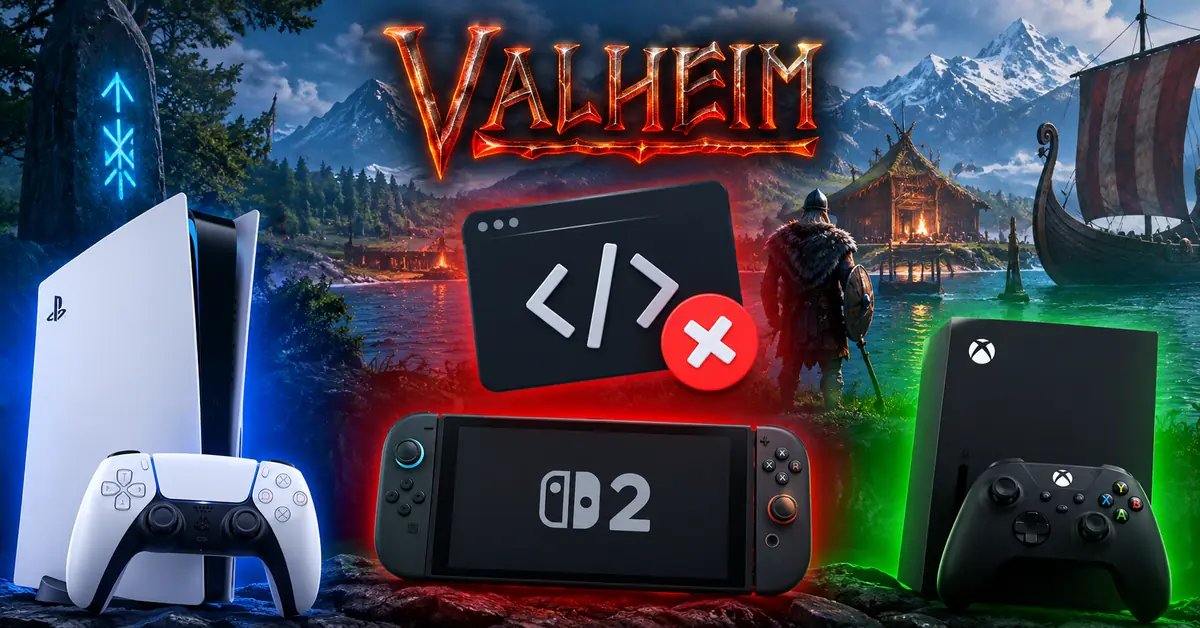 Valheim7 min
Valheim Join Code Not Working (PS5, Switch 2, Xbox): How to Fix It
Why a Valheim join code fails and how to fix it: crossplay off, a code from before the restart, version mismatches and the console account checks on PS5, Switch 2 and Xbox.
Baurtock · Oct 4, 2026


Your Valheim world, in 60 seconds.
Free to start. No card.
Similar games


Valheim is a trademark of Iron Gate Studio. 1up-servers is not affiliated with Iron Gate Studio.