
Free Minecraft server, in 60 seconds.
Vanilla, Paper, Fabric, Forge or a modpack in one click, on the version you pick. No card, and the IP ready to hand to your friends.
- New versions on release day
- No card
- Low-ping regions

Minecraft: Java EditionAvailable
4 servers online right nowaverage start 47 s
Minecraft Java server hosting, explained step by step
A Minecraft: Java Edition server is the copy of the game that keeps your world alive while every player is a guest. On 1up-servers it runs in its own container with the RAM of your plan reserved for it, so a neighbour's farm never slows your chunks down. You pick the software when you create it: Vanilla for the game as Mojang ships it, Paper for plugins and better tick times, Fabric for light performance mods, Forge for the classic mod scene, or a ready-made modpack.
Versions go from 1.16.5 to 26.3, and the Java runtime that runs them is a setting rather than a guess: 8 for old modpacks, 17 or 21 for current releases, 25 when a new version asks for it. The console reads the log for you and flags a crash, an out-of-memory stop or a mod that does not match the loader, so you know why the server fell over before you open a single file.
Set up your Minecraft Java server
- Create your account with an email, Google or Discord, then press «Create server» and choose Minecraft: Java Edition.
- Pick the loader and the version. Paper on 26.3 is the safe choice for a survival world with friends and a few plugins; if Bedrock players will join through crossplay (Geyser), pick Paper or Fabric on Java 26.2 or older.
- Name the server and choose the region with the lowest estimated ping for your group, then confirm. The first start downloads the server jar and generates the world.
- Copy the address from the panel. In Minecraft open Multiplayer, Add Server, paste it and join.
- Add your friends to the whitelist from the Players page and give yourself operator rights, so commands like /gamemode and /tp work in game.
Address, subdomain and Bedrock players
Every server gets a subdomain with an SRV record, so players type a short name instead of an IP and a port. You can change the subdomain in the Server tab. On the same tab you can let Bedrock players in: we install Geyser and Floodgate, and phones, tablets and Windows join the Java world with their own accounts; consoles cannot add a server by address.
server.properties without editing files
Game mode, difficulty, PvP, hardcore, command blocks, flight, spawn protection and the seed are switches in the Game tab. So are the world type (normal, flat, large biomes or amplified) and the MOTD with its colours. The view distance and the simulation distance, between 4 and 16 chunks, are under Performance in the Server tab. Player slots go up to 255, within the slots of your plan.
How much RAM a Java server really uses
Vanilla and Paper start on 2 GB and stay smooth for a small group; 4 GB leaves room for exploring players, bigger farms and a dozen plugins. Fabric performance mods lower the load, Forge modpacks raise it fast. The live TPS graph in Statistics tells you when a world needs more memory rather than more patience.
Plugins, mods and worlds
With Paper the plugin catalogue installs EssentialsX, LuckPerms, WorldEdit or CoreProtect in one click and tells you which builds fit your version. With Fabric or Forge you upload the jar files to the mods folder. The Worlds page imports a world zip from your computer, keeps the old one and switches between them.
When players cannot connect
«Outdated client» or «outdated server» means the Minecraft launcher is on a different version than the server: pick the same version in the launcher profile. «Failed to verify username» comes from online mode with a cracked or offline client. If the server stops with an out-of-memory message, lower the view distance, remove a heavy mod or move to a plan with more RAM. A whitelist that is on but empty refuses everyone, yourself included.
Versions
Minecraft versions
- 26.3Default
- 26.2
- 26.1.2
- 26.1.1
- 26.1
- 1.21.11
- 1.21.10
- 1.21.9
- 1.21.8
- 1.21.7
- 1.21.6
- 1.21.5
- 1.21.4
- 1.21.3
- 1.21.2
- 1.21.1
- 1.21
- 1.20.6
- 1.20.5
- 1.20.4
- 1.20.3
- 1.20.2
- 1.20.1
- 1.20
- 1.19.4
- 1.19.3
- 1.19.2
- 1.19.1
- 1.19
- 1.18.2
- 1.18.1
- 1.18
- 1.17.1
- 1.17
- 1.16.5
Switch versions from the panel: we back the server up first and tell you what will be left behind.
Loaders
Minecraft loaders and templates
- VanillaRecommendedThe game exactly as the studio ships it.
- PaperFaster than Vanilla and it takes plugins.
- FabricLight performance and quality-of-life mods.
- ForgeClassic mods and big modpacks, they ask for more RAM.
- ModpackReady-made packs: we install them and start them for you.
Pick the template when you create the server: we install it, configure it and hand it over running.
Popular plugins
One-click install
- EssentialsX · Homes, warps and the everyday commands.
- LuckPerms · Permissions and ranks without touching files.
- WorldEdit · Building big without placing block by block.
- WorldGuard · Protected regions so nobody builds or breaks where they should not.
- CoreProtect · Anti-grief with a rollback of whatever broke.
You install them from the catalogue in the panel, with no file uploads. Available from Casual.
Data
Minecraft server data
| Minimum RAM | 2 GB |
|---|---|
| Recommended RAM | 4 GB |
| Disk | 5 GB |
| Port | Assigned to each server; the panel shows it |
| Free plan | Yes |
| 24/7 from | Casual · €3.00/month |
| Crossplay | Yes, from the panel |
| Mods | One-click catalogue (Modrinth) |
| Templates | Vanilla, Paper, Fabric, Forge, Modpack |
Requirements
How much RAM does your Minecraft server need?
Minecraft boots on 2 GB and has room to spare on 4 GB. This is the RAM each plan gives you and whether the game fits in it.
- Up to 4 friends, no plugins2 GBFREE
- Up to 6 players, 24/7, no one-click plugins2 GBCASUAL
- Up to 10 players with plugins4 GBSTARTER
- Up to 30 players or mid-size modpacks8 GBPRO
- Up to 50 players and several worlds at once16 GBSTUDIO
- Heavy modpacks and large communities32 GBULTRA
Questions about Minecraft servers
Minecraft guides
 Minecraft: Java Edition8 min
Minecraft server.properties Explained: Every Key, Default and Panel Field
Every server.properties key of Minecraft Java 26.3 with its default from the Minecraft Wiki, what it does, and which panel field or file sets it on 1up.
Baurtock · Oct 13, 2026 Minecraft: Java Edition7 min
Fix Minecraft Server Lag: TPS, spark and Paper Settings
Tell server lag from connection lag, read TPS and MSPT, find the cause with spark and fix it with pre-generation, distances and a few Paper settings.
Baurtock · Oct 13, 2026 Minecraft: Java Edition10 min
25 Best Minecraft Plugins for a Friends Server (Paper 26.3)
25 Paper plugins for a small Minecraft server with friends, picked by Modrinth downloads and a build for 26.3, and how to install them from the panel or by hand.
Baurtock · Oct 13, 2026 Minecraft: Java Edition9 min
Minehut Alternatives: Free and Cheap Minecraft Hosts
Minehut, Aternos, Falix, exaroton and 1up side by side: free tiers, the cheapest way to more RAM or 24/7, and our own limits, every figure dated and linked.
Baurtock · Oct 13, 2026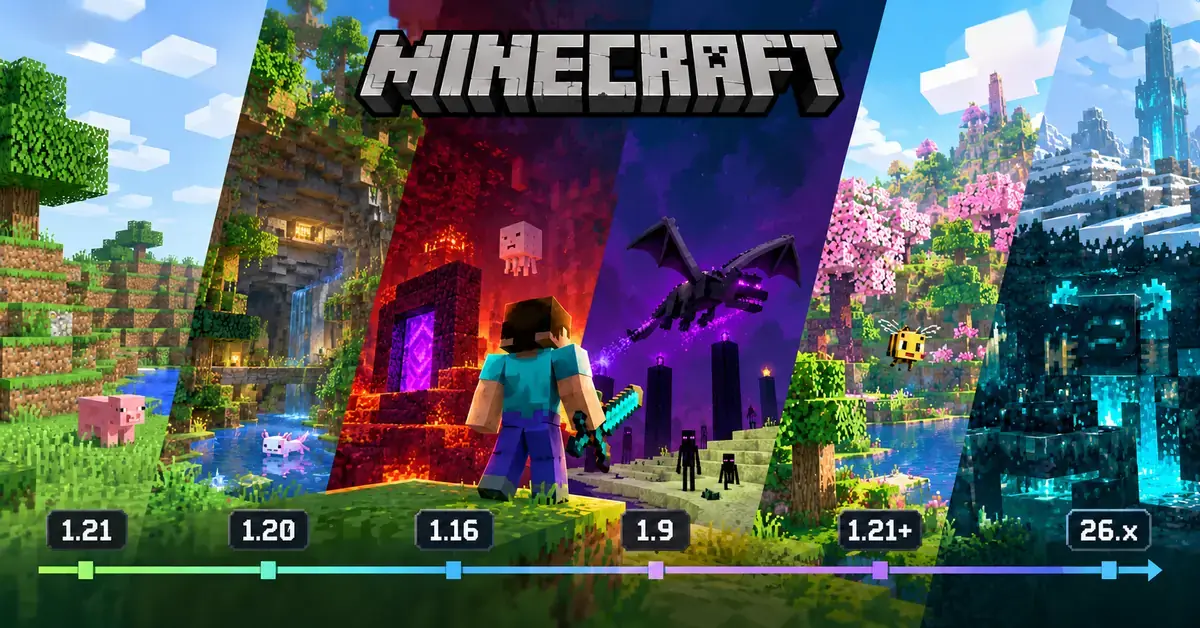 Minecraft: Java Edition7 min
Latest Minecraft Version Is 26.3: Minecraft Version Numbers Explained
The latest Minecraft Java version is 26.3 (Wilderness Bound). Why Minecraft went from 1.21 to 26.1, how to read the numbers, and 26.2 vs 26.3 for servers.
Baurtock · Oct 13, 2026 Minecraft: Java Edition8 min
How to Update Minecraft Server Versions Safely (26.3 and the Next Drop)
Back up, check plugins, mods and crossplay, then change the version. Why a world never goes back to an older version, and what to do on the next drop day.
Baurtock · Oct 13, 2026


Your Minecraft world, in 60 seconds.
Free to start. No card.
Similar games


Minecraft: Java Edition is a trademark of Mojang AB. 1up-servers is not affiliated with Mojang AB.
NOT AN OFFICIAL MINECRAFT SERVICE. NOT APPROVED BY OR ASSOCIATED WITH MOJANG OR MICROSOFT.